
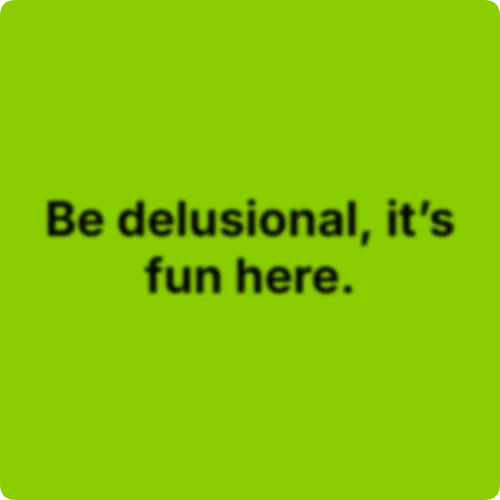
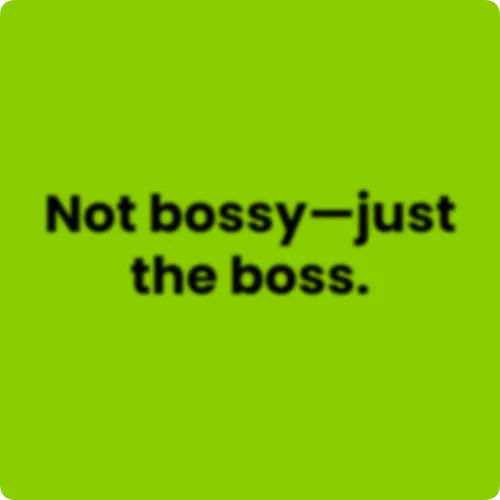
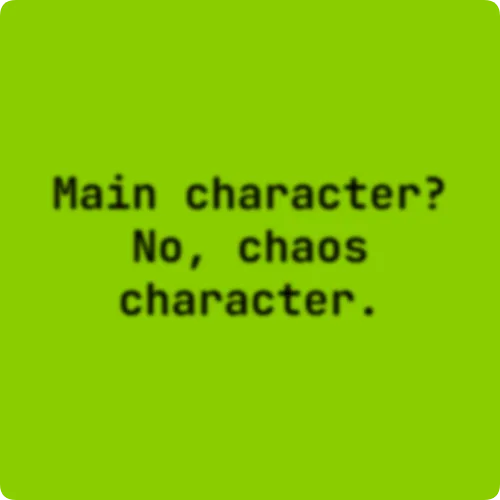
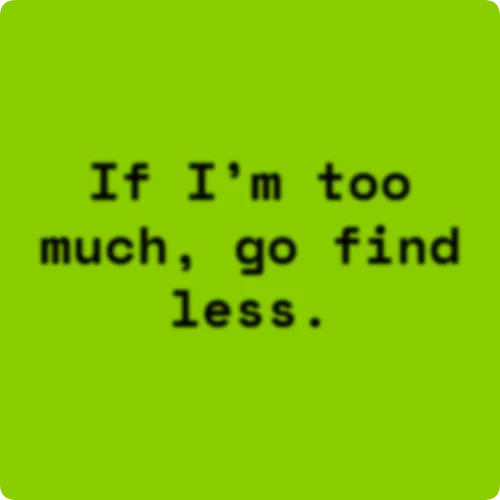
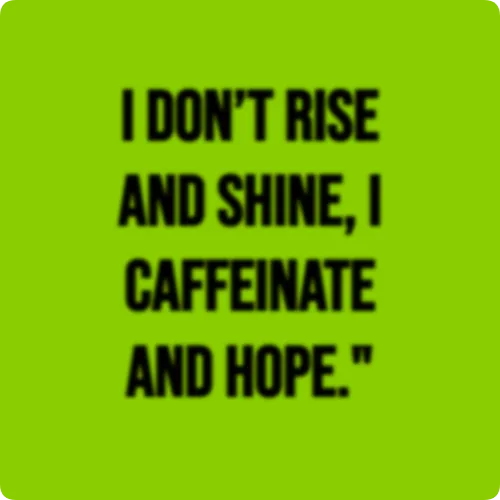
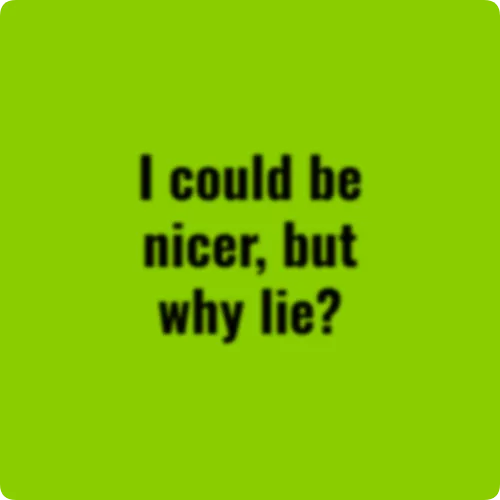
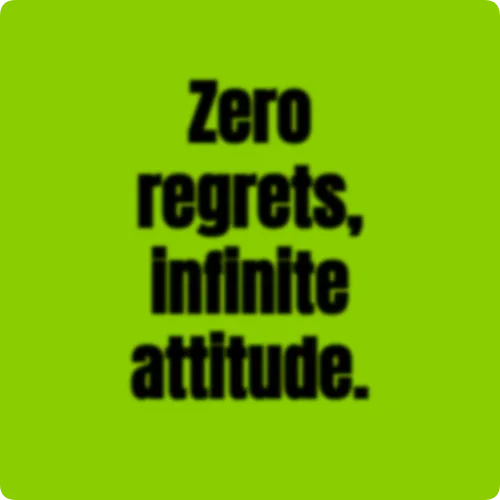
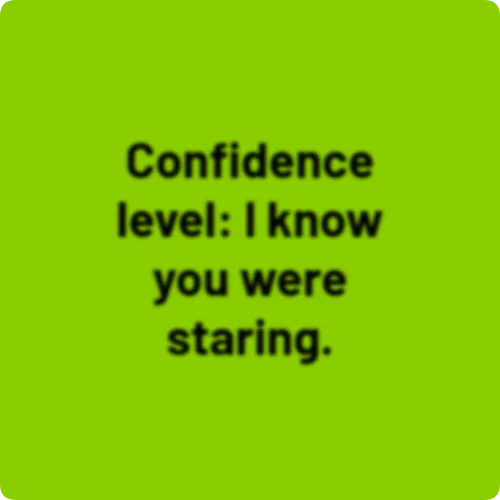
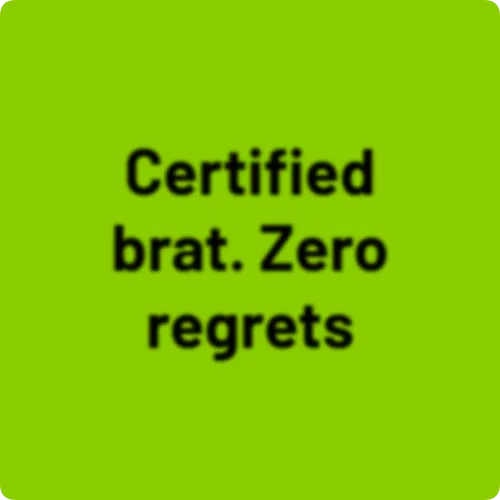
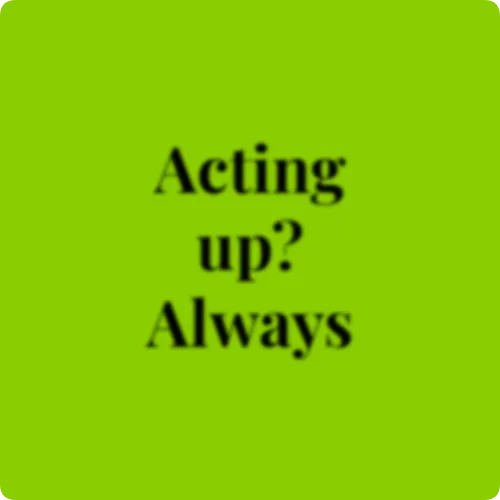
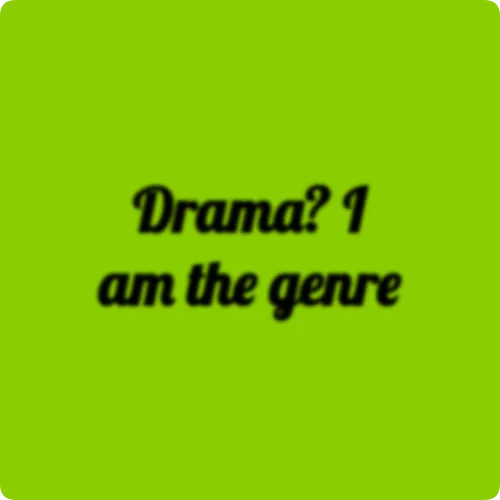
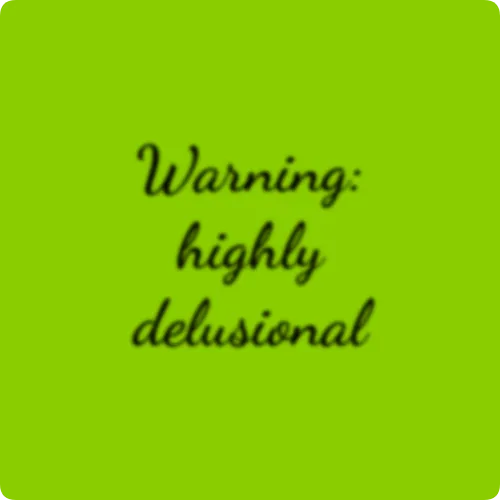
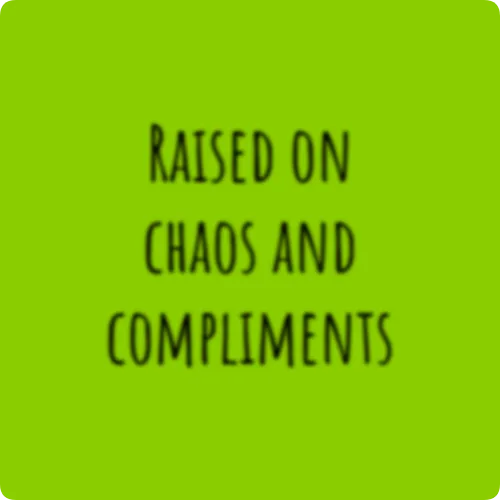
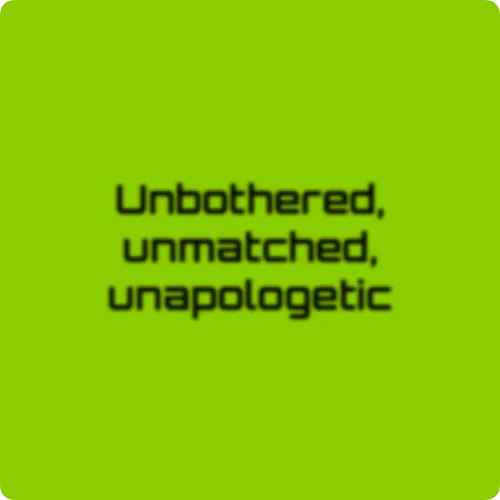
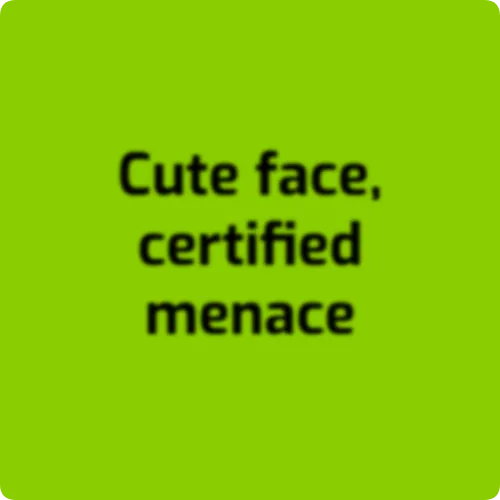
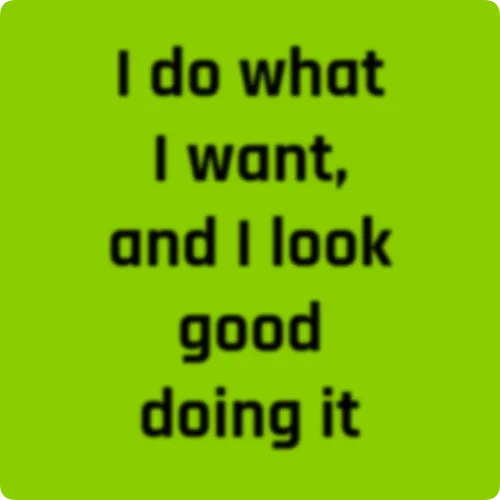
Creators on TikTok, Instagram, and X use it to make profile pictures, wallpapers, quote visuals, and social media content. The generator captures the raw, low-fi typography that defined the Brat era: high-contrast text on a vivid #8ace00 lime-green background, stripped of all excess.
What is the Brat Text Generator?
The Brat Text Generator is a free online tool that instantly converts any text into authentic brat font styles inspired by Charli XCX’s viral Brat aesthetic. It captures the defining visual of the Brat era: bold sans-serif text on a #8ace00 lime-green background, stripped of all polish. The aesthetic was designed to look intentionally raw, and this tool replicates that exactly.
Built specifically for the brat aesthetic, it transforms your input into bold, lowercase-heavy, minimalist typography that perfectly matches the raw, anti-perfectionist vibe of Charli XCX’s 2024 album Brat.
The brat text generator captures the signature look of the Brat era: high-contrast sans-serif text on a vivid lime-green background (#8ace00). It works as a complete brat font text generator, brat title generator, and brat letter generator, helping creators, marketers, and fans produce viral content for TikTok, Instagram, Twitter/X, and more.
The defining visual rules of the brat aesthetic that this generator follows include:
- ➥Lime green (#8ace00) as the signature background color
- ➥Lowercase or mixed-case bold sans-serif typography
- ➥Minimalist, text-only layout with no extra graphics
- ➥High contrast and intentionally raw, low-fi finish
- ➥Anti-polished, authentic “brat” energy
Use our free brat text generator and brat font generator copy and paste tool to create profile bios, captions, usernames, titles, memes, and custom visuals that instantly feel part of the Brat movement.
How to Create Brat-Style Text in 6 Steps
To use the Brat Text Generator: type your text, choose a background color (default: #8ace00), select a font and adjust the size, preview your design live, click Generate, then download as PNG, JPG, or WEBP. The whole process takes under a minute.
Step 1 - Type Your Text
Enter any quote, lyric, name, or short phrase into the text field. Keep it under 50 characters for the cleanest brat-style result. Your text appears styled on the canvas as you type, no button press required.
Step 2 - Pick Your Background Color
Start with the classic #8ace00 brat green or switch to another color to change the mood. Enter any hex code directly into the color field, or try one of the dedicated color variants: the Brat Generator Black, Brat Generator White, Brat Generator Pink, or Brat Generator Blue.
Step 3 - Choose a Font and Style
Select from over 50+ fonts, including minimalist sans-serifs like Inter and Poppins, or bolder display faces like Anton. Adjust size, letter spacing, line height, rotation, and alignment using the precision sliders. For the most authentic brat look, use a lowercase sans-serif at a large size with the default green background.
Step 4 - Set Your Canvas Size
Choose a preset size matched to your platform: 500×500 for a profile picture, 1080×1080 for an Instagram feed post, or 1920×1080 for a wallpaper or banner. Enter custom width and height values for any other platform or use case.
Step 5 - Preview and Fine-Tune
All changes render live, no page reload needed. Add optional effects: glow, outline, neon, glass, or pixel filters to add depth to your text. Apply mirror mode for a more surreal, poster-like result. Adjust padding and borders until the design feels right.
Step 6 - Generate, Download, and Share
Click Generate to render your design at full resolution. Download as PNG (supports transparency), JPG (compressed, smaller file size), or WEBP (optimized for web use). Share directly to Instagram, X (Twitter), or Telegram from inside the tool, or download and post manually to any platform. Your creation saves to the in-browser gallery automatically.
Key Features of the Brat Text Generator
Real-Time Preview
See your design update as you type, change colors, or adjust fonts, no reload required. What you see on the canvas is exactly what exports to your file.
50+ Font Options
Choose from a library of 50+ fonts including Inter, Poppins, Anton, and JetBrains Mono. Each font renders clearly against the brat-style background palette, from the default green to any custom color you set.
Brat Green Default with Full Color Control
The tool defaults to the authentic #8ace00 brat green background, the exact color from the Charli XCX Brat album cover. Switch to any custom hex color, choose a gradient, or use a dedicated color-variant tool: black, white, pink, or blue.
Flexible Canvas Dimensions
Preset canvas sizes cover every major platform: 500×500 for profile pictures, 1080×1080 for Instagram square posts, and 1920×1080 for wallpapers and banners. Custom width and height inputs let you build for any format.
Text Effects and Filters
Apply glow, neon, outline, metallic, glass, fire, pixel, or chrome effects to your text. Combine effects with mirror mode for a layered, poster-art quality ideal for desktop wallpapers or album-art styled visuals.
Solid and Gradient Backgrounds
Choose a flat solid color like the classic brat green, or apply a two-tone gradient for a more dynamic background. Both options produce clean, high-contrast results ready for social sharing.
Advanced Typography Controls
Full control over font weight, size, letter spacing, line height, rotation, padding, and alignment, so every design looks intentional rather than auto-generated.
In-Browser Gallery
Every design you create saves automatically to your in-browser gallery. Files stay in your browser cache until you clear it, so you can revisit and re-download previous creations at any time.
One-Click Reset
Use the reset button to clear the canvas and start a new design without losing your saved gallery. Useful when experimenting with different text, colors, or font combinations.
Copy, Download, and Share Your Design
After generating your design, you have three ways to use it: download the file, copy the styled output to your clipboard, or share directly to a social platform.
- ➥ Download as PNG, JPG, or WEBP, high-resolution files ready for profile pictures, social posts, wallpapers, or album cover artwork.
- ➥ Copy to clipboard, grab your styled text output instantly for pasting into captions, bios, messages, or any platform that supports rich text formatting. This is the fastest option when you need brat-font text to copy and paste directly.
- ➥ Share directly, built-in share buttons send your design to Instagram, X (Twitter), or Telegram in one tap.
Your designs save to the in-browser gallery automatically. Use the reset button anytime to start fresh, your gallery remains intact.
The brat aesthetic doesn't need a design degree or paid software. Type your text above, choose a background color, pick a font, and your design is ready to download in under a minute. No account. No watermark. No limits.